
Image Processor In Browser
Make everyimage fit.
Create every crop, size, and format your project needs—privately, in your browser.

Responsive widthssrcset ready
2400px1600px1000px768px480px
Modern formats
AVIFWebPJPEGJXL
Beyond compression
A browser-based image production workspace.
Whether you're a casual user or a professional, this workspace adapts to your needs, ensuring optimal image quality and efficient workflow.
- Optimize once
- Adapt for every destination
- Export production-ready sets
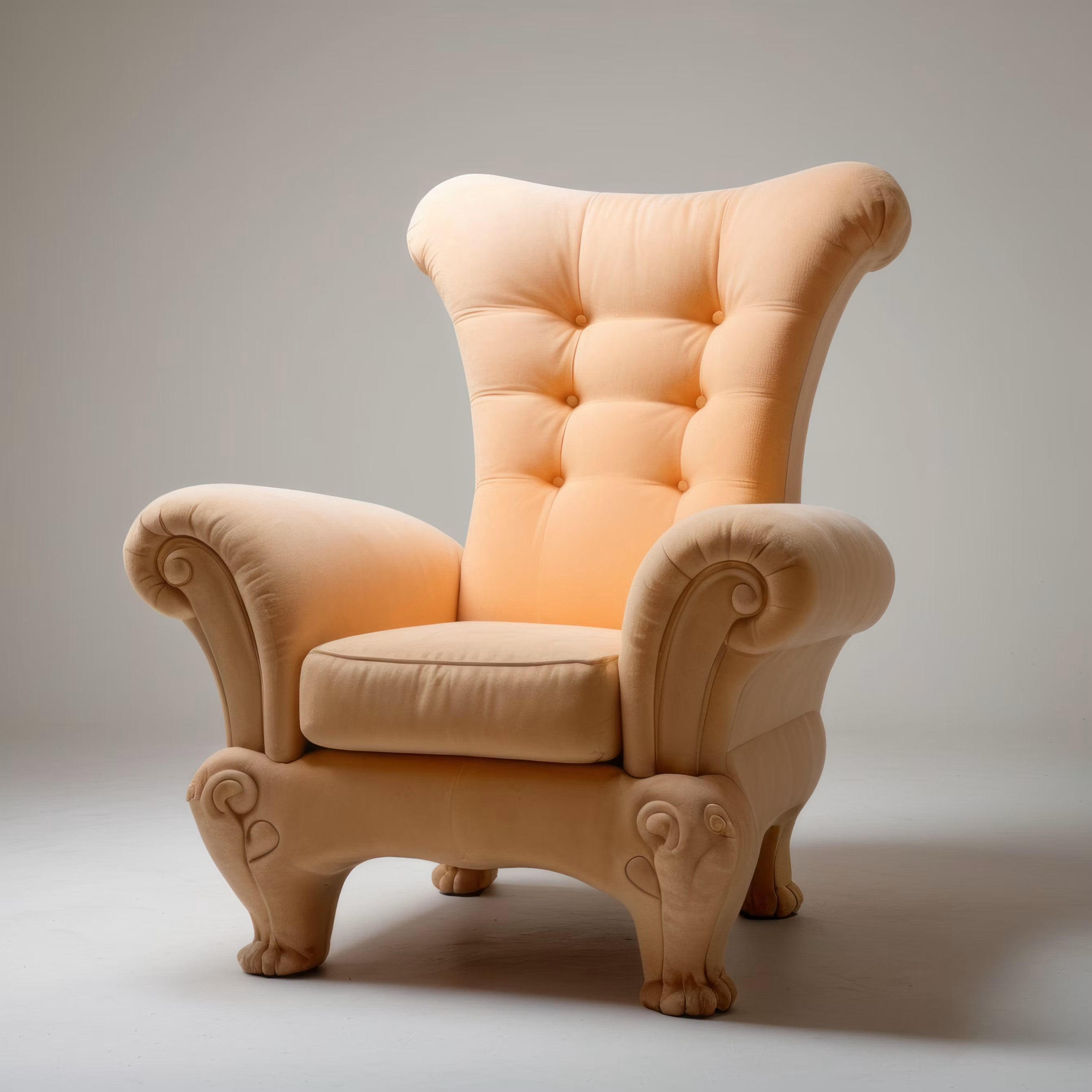
One image, many destinations
ATELIER≡
Soft
Statement
Discover the new lounge collection.
Shop seating Designed
to
Unwind.
Private By design
Nothing leaves your device.
Your source is decoded, transformed, and exported on this device only. Never sent to a processing server.
Local-only by default Private from source to export
- 100% private. 100% local.Your images never leave your browser.
- No uploads.Nothing leaves your device.
- No servers.No cloud processing involved.
- No accounts.No sign-up or login required.
- No subscriptions.Use it free. Stay on your device.
Built for real production
Every tool, one production system.
Inspect, refine, encode, and deliver—without leaving the browser.
Analyze & compare
Turn source facts into a clear recommendation, then inspect the result at any zoom.
Strong source92/100
- Best format
- AVIF
- Suggested quality
- 76
- Potential saving
- 87%
100%200%
Crops & focal point
Frame every destination precisely, then place the focal point where it belongs.
Template library
Choose exact destination sizes across social, commerce, web, ads, video and editorial.
27Social
5Web
28E-com
23Adverts
8Video
6Mobile
6Desktop
7Editorial
4Custom
Target file size
Set the limit and let IMPIB search for the strongest result beneath it.
Target500 KB
Batch processing
Process hundreds of images in one session. Apply one recipe and let the queue run.
- photo-001.jpgCatalogue master Ready
- photo-002.jpgCatalogue master Ready
- photo-003.jpgCatalogue master Ready
- photo-004.jpgCatalogue master Ready
248 images1 recipeQueue ready
Production-ready exports
Download an organized package with files, naming, metadata and markup.
- project-assets.zip
- avif
- webp
- jpeg
- manifest.json
- Naming
- Metadata
- Manifest
- Picture + srcset
Reusable recipes
Save dedicated Single and Batch workflows for repeatable results.
Built for each workflow
Single recipeWeb photoAVIF · 5 widths
Batch recipeCatalogue master248 images · 4 widths
Each recipe remembers The complete output setup
Stored locally and ready to reuse
Current capabilities
Formats and limits from the product configuration.
- Input formats
- JPEG · PNG · WebP · AVIF
- Optimized master
- AVIF · WebP · JPEG · JXL · PNG
- Image set formats
- AVIF · WebP · JPEG · JXL · PNG
- Single source
- Up to 50 MB
- Batch processing
- Capacity adapts to this device
Image Processor In Browser
Build the right assets. Keep the source private.
Open IMPIBNo upload. No account required.